



Your Camera Survived the Storm. The PoE Switch Did Not.
November 19, 2026
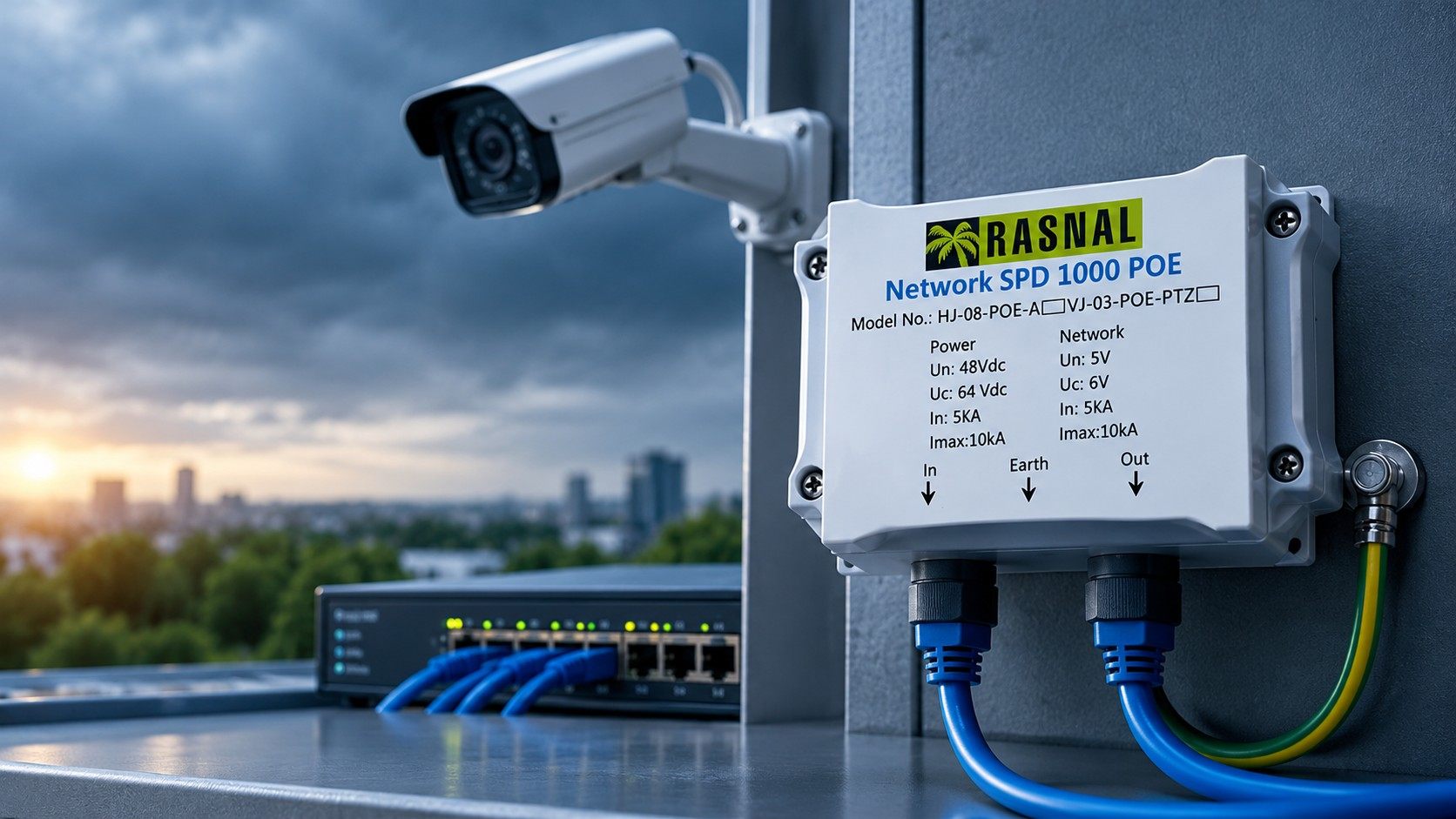
A PoE surge protector for CCTV goes on the Ethernet cable between an outdoor camera and the PoE switch or NVR, and it stops surges that travel along that cable from reaching either end. If your cameras sit on poles, walls or rooftops, the network cable is a direct path from the weather to the most expensive part of the system. Rasnal's RJ-45 surge protector for PoE++ is built for this job: it passes Gigabit Ethernet and PoE power through while diverting surges to earth.
Power-side protection alone does not cover this path. A board-level surge protector guards the switch's power supply, not its Ethernet ports. That is why many sites with good power protection still lose PoE ports, camera boards and NVR network cards after storms.
This guide explains how surges get onto camera cables, where the protector should go, what to look for in the specification, and how to protect the rest of a CCTV system.
How Surges Get Into a PoE Camera Line
An outdoor camera cable picks up surges in a few common ways.
- Induced surges from nearby lightning. A strike does not have to hit the camera. A nearby strike creates strong electromagnetic fields that induce voltage along long cable runs, especially runs that go up poles or along fences.
- Ground potential differences. The camera pole and the building where the switch sits can be earthed at different points. During a strike, those points can sit at very different voltages for a moment, and the Ethernet cable bridges the gap.
- Direct exposure. Cameras on rooftops, towers and tall poles are high points on the site.
- Switching surges. Large loads switching on the same site can also disturb long cable runs.
PoE makes the issue more serious. Power over Ethernet sends DC power and data on the same cable, so a surge on that cable reaches both the power and the data circuits of the camera and the switch. Higher power PoE versions, defined in IEEE 802.3bt and often sold as PoE++, use all four pairs of the cable, so every pair needs protection.
Where to Fit a PoE Surge Protector
At the switch or NVR end
This is the most important position. It protects the PoE switch, NVR and everything connected to the network behind them. One damaged switch can take down many cameras at once, so protecting this end protects the whole system.
At the camera end for long or exposed runs
For long outdoor runs, cameras on tall poles, or cameras on a separate structure from the building, add a protector near the camera as well. That way a surge picked up along the cable is diverted before it reaches the camera too. Rasnal's unit has an IP66 rating, so it is suited to outdoor mounting near the camera.
Earth it properly
A surge protector can only divert a surge if it has a good path to earth. Bond the protector's earth connection to the local earth with a short, direct conductor. Long earth leads add impedance and weaken protection. The shielded design of Rasnal's unit also needs that earth connection to work as intended.
Keep the protected and unprotected cables apart
Run the incoming (unprotected) cable and the outgoing (protected) cable separately where you can. If they are bundled tightly together, a surge can couple from one to the other and bypass the protector.
What to Look for in a PoE Surge Protector
Not every Ethernet protector suits PoE cameras. These are the specifications that matter, with the figures Rasnal lists for its RJ-45 PoE++ unit.
Why the technology matters
Rasnal's unit combines a gas discharge tube (GDT) with a clamping diode. The GDT handles larger surge currents. The diode reacts fast and limits the voltage the equipment sees. Together they cover both the energy and the speed of a surge.
Why all 8 wires matter
Older PoE versions used two pairs for power. PoE++ under IEEE 802.3bt can use all four. A protector that covers only some pairs leaves the others open, so look for full 8 wire protection, as Rasnal's unit has.
Standards to ask about
Surge protectors for data and signalling lines are covered by IEC 61643-21. Its scope includes networks that carry power on the same line, such as PoE. It is a useful reference when you compare products or write a specification.
Protect the Rest of the CCTV System
The Ethernet cable is one entry point. A full CCTV protection plan closes the others too.
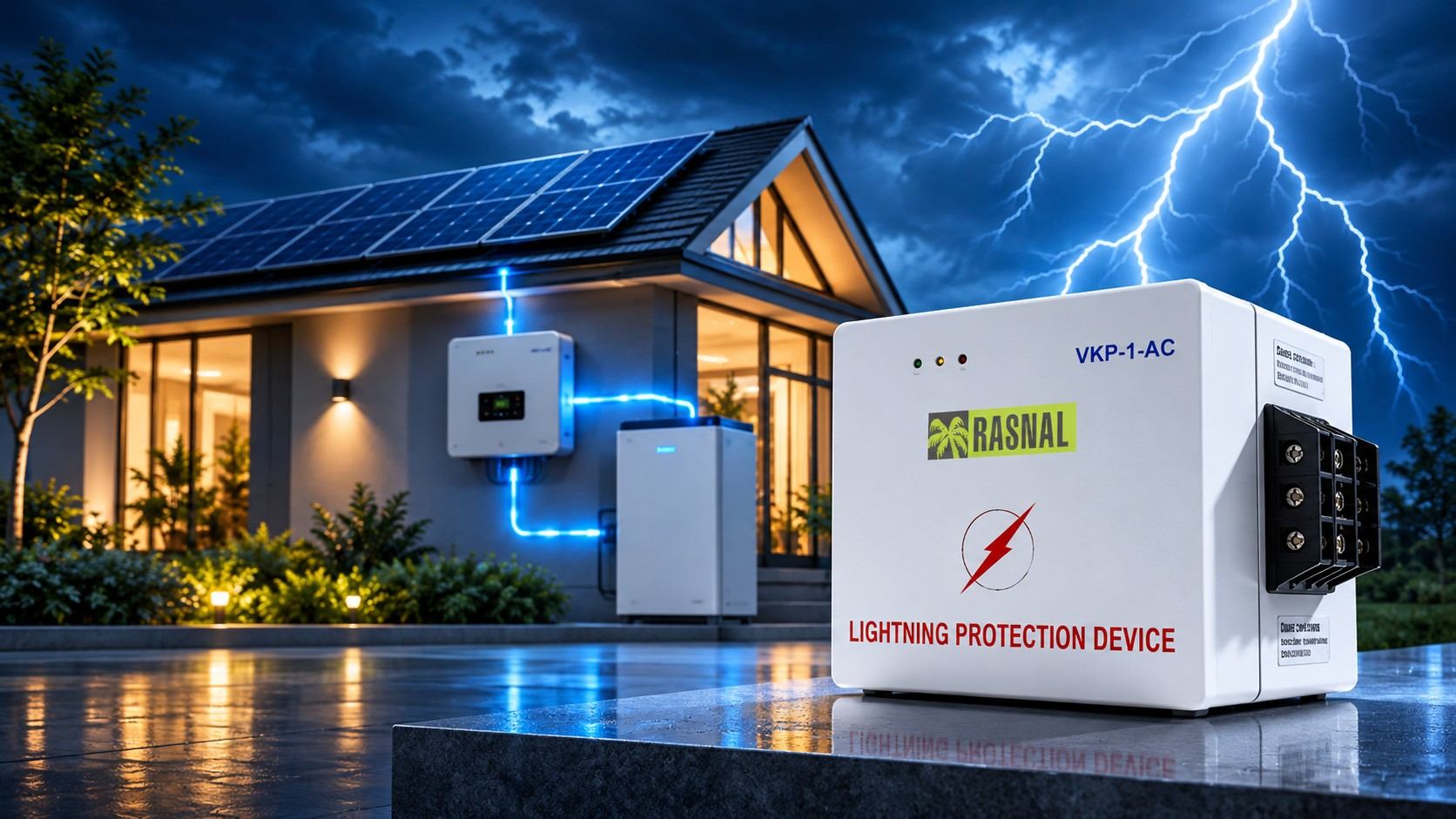
- The power board for the NVR and switches. Fit a VKP-1-AC digital grounding device on the single phase board feeding the security rack. It provides surge protection and a low impedance, common ground for all connected equipment.
- Outdoor AC supply at camera poles. Where a pole has its own AC feed, the VKP-01-IP66 is Rasnal's outdoor single phase model, in an IP66 enclosure with 120 kA surge handling.
- Wireless links and antennas. Sites that use radio bridges to link distant cameras should protect the antenna feed with a coaxial surge protector, rated by Rasnal for DC to 3.5 GHz and DC to 7 GHz.
- Solar powered poles. Remote poles running on solar and batteries can use Rasnal's VKP-01-DC on 12 V, 24 V or 48 V DC systems.
This combination follows the same idea as lightning protection planning under IEC 62305: protect every conductor that crosses into the protected zone, not only the power cable.
How Many Protectors Does a Site Need?
Count cables, not cameras. Each Ethernet run that leaves the building, or crosses open ground between structures, needs a protector at the switch end. Runs that are long, climb tall poles or connect to a separate structure should get a second one at the camera end.
Take a small factory with 12 cameras. Four are indoors on short runs inside the main building. Six are on the outer walls with short outdoor runs. Two are on poles at the gate, about 60 metres away across the yard. A sensible plan is protection at the switch end for the eight outdoor runs, plus a second unit near each of the two gate cameras. That is ten protectors for a system where a single surge could otherwise reach every port on the switch.
Every site is different, so treat this as a starting point and adjust it to the cable routes and exposure you actually have.
A Simple Installation Checklist
- Map every outdoor run from switch or NVR to camera, and note which ones are long or exposed.
- Fit protectors at the switch end for every outdoor run, close to the switch.
- Add camera end protectors for long runs, tall poles and separate structures.
- Bond each protector to earth with a short, direct conductor.
- Use shielded patch leads between the protector and the equipment where the system uses shielded cabling.
- Test the link after installation to confirm PoE power and full speed.
- Inspect after major storms. Rasnal's unit uses a short-circuit failsafe that cuts transmission if the protector is damaged, so a dead link after a storm can point to a protector that has done its job and needs replacing.
Who Needs PoE Surge Protection Most
- Factories and industrial plants with perimeter cameras on long fence runs.
- Hospitals and airports with large camera networks across car parks and open areas.
- Commercial buildings and developers with rooftop and façade cameras.
- Telecom towers and ISP sites that monitor remote shelters with cameras.
- Data centres where perimeter security connects to the same network core.
- Shops and small offices with a few outdoor cameras on one PoE switch, where one surge can wipe out the whole recording setup.
- Homes and tech-savvy property owners with outdoor IP cameras, gate cameras and outdoor Wi-Fi access points.
- Electricians and system integrators who want fewer warranty call-outs after the monsoon.
For a full view of Rasnal's camera range, see the Rasnal CCTV solutions page.
Signs Your Camera Lines Need Protection
- PoE ports that stop supplying power after storms
- Cameras that go offline in groups, all connected to the same switch
- NVR network ports or camera boards that fail without a clear cause
- Network errors and dropped video during thunderstorms
- Repeated replacement of the same outdoor cameras
Each of these is a clue that surges are travelling on the data cable. Replacing the hardware fixes the symptom. Protecting the line fixes the cause.
Common Mistakes
- Protecting only the power. Surges on the Ethernet line bypass power protection completely.
- Skipping the earth connection. An unearthed protector has nowhere to send the surge.
- Using a non-PoE protector. It may block power or not handle PoE current. Use a PoE rated unit.
- Protecting only one end on long, exposed runs. Exposed cameras benefit from protection at both ends.
- Putting an indoor unit outdoors. Use an outdoor rated enclosure such as IP66 near the camera.
Fit It Once, Save the Switch Every Season
A PoE surge protector for CCTV costs little compared with a PoE switch, an NVR or a set of outdoor cameras. Fit it at the switch end, add one at the camera end for long or exposed runs, earth it with a short lead, and pair it with power-side protection on the security rack.
See the full specification on the Rasnal RJ-45 surge protector for PoE++ page, or send Rasnal your camera layout for a protection plan that covers every cable into your system.
Internal and External Links Used
FAQs
Q1. Do I need a surge protector for PoE cameras?
Yes, if the cameras are outdoors or on long cable runs. Surges travel along the Ethernet cable and can damage both the camera and the PoE switch or NVR. A PoE surge protector diverts them to earth.
Q2. Where should a PoE surge protector be installed?
At the switch or NVR end first, to protect the network core. For long or exposed outdoor runs, add another near the camera. Earth each one with a short, direct lead.
Q3. Will a PoE surge protector slow down my network?
A well designed unit should not. Rasnal's RJ-45 PoE++ protector supports 10/100/1000 Mbps Gigabit Ethernet with insertion loss under 1 dB.
Q4. Does a power surge protector protect my CCTV cameras?
Only partly. It protects the power supply, but not the Ethernet ports. Surges on the camera cable need a separate data line surge protector.
Q5. Can a PoE surge protector be installed outdoors?
Yes, if it has a suitable rating. Rasnal's RJ-45 PoE++ surge protector is IP66 rated and works from -40 to +85 °C, so it can be mounted near outdoor cameras.
Explore Categories

Digital Grounding devices
Industrial & Network Solutions
Solar & Smart Energy
Fire Safety Systems
Surge Protection
CCTV & Security
Solar Energy